


Pinball Meets Solitaire in One Fun Game
Overview
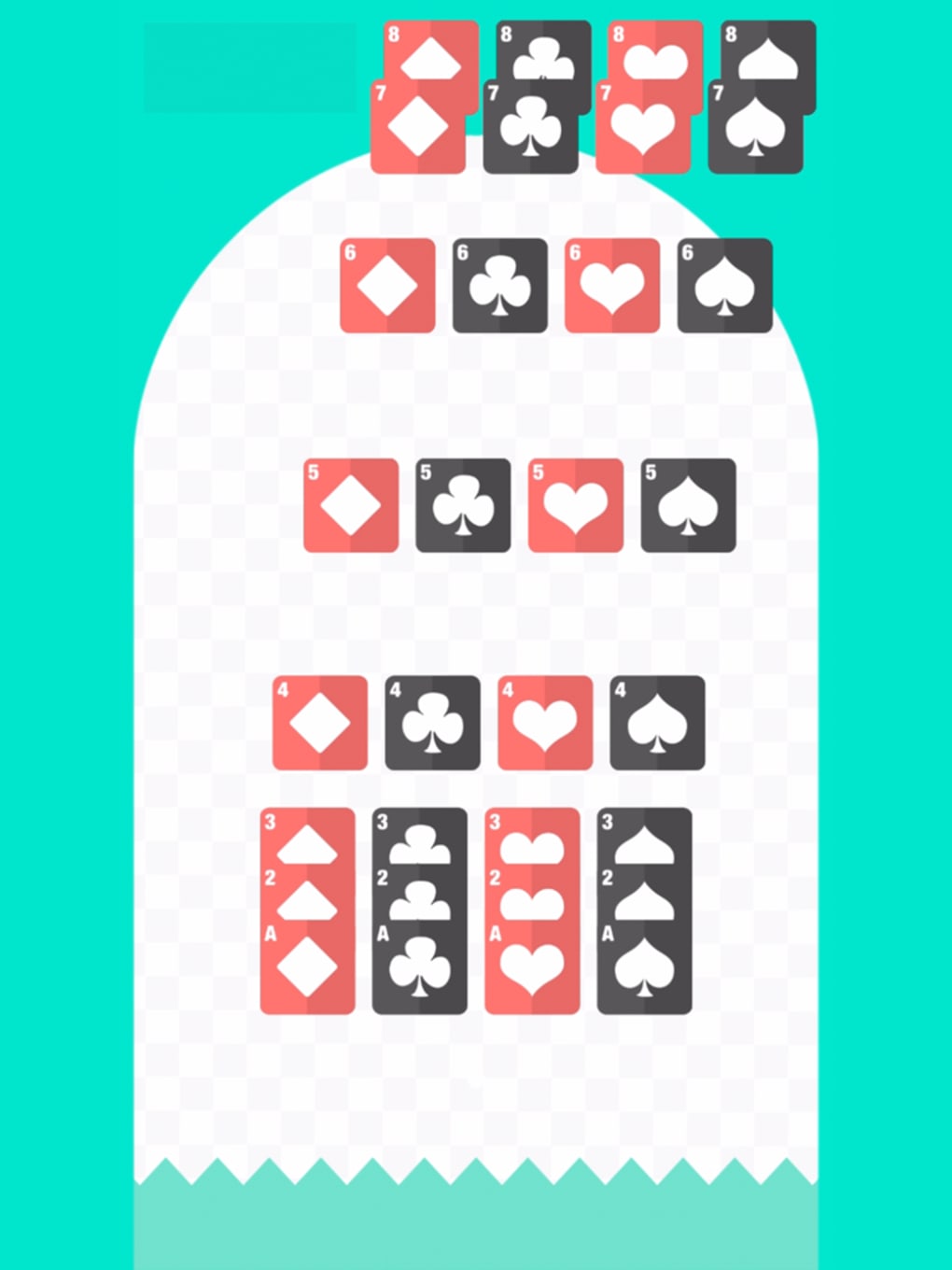
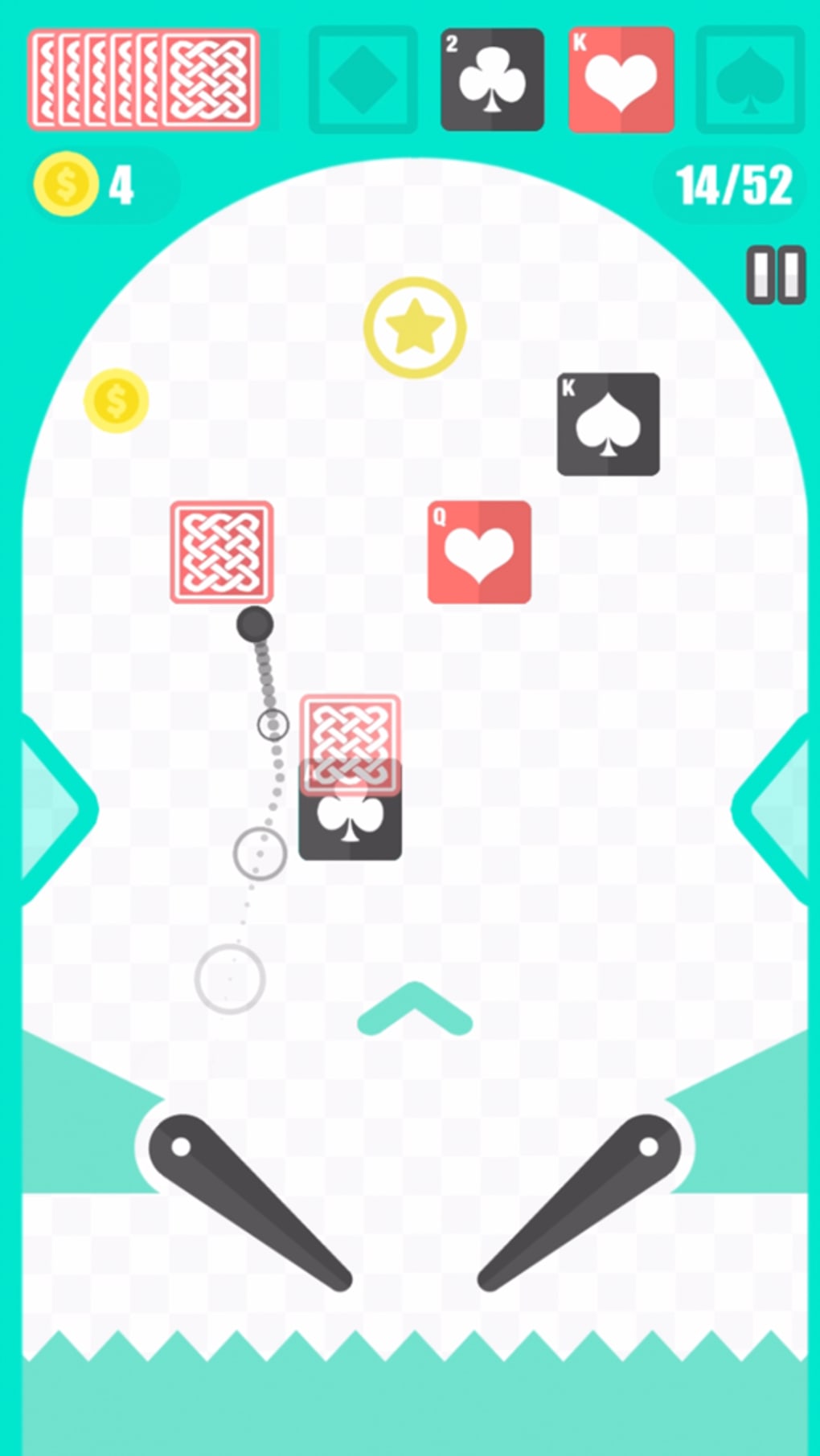
Pinball Vs Solitaire blends two beloved classic games into a unique hybrid experience. The game challenges players to complete a full 52-card deck by launching a pinball across a dynamic playfield filled with cards and obstacles. Designed for casual gamers seeking lighthearted entertainment, it combines the strategic patience of solitaire with the fast-paced mechanics of pinball.
The core gameplay revolves around timing and precision—players tap either the left or right trigger to launch the pinball, aiming to hit and collect cards while avoiding jagged lines that can end the round. Gold coins are scattered throughout the playfield, adding an extra layer of reward and incentive. With over a hundred unique levels, the game offers extended replay value.
While the outcome relies heavily on chance, the game’s structure supports both short bursts of play and longer sessions. The developer did not provide additional details about the team or background. Real-world usage includes casual gaming during breaks, evening relaxation, or competitive play via the built-in leaderboard.
Its simplicity makes it accessible to a wide audience, though its luck-based mechanics may impact user satisfaction for players seeking more control.
Key Features & Capabilities
- Hybrid Gameplay: Merges solitaire card collection with pinball physics, creating a novel experience that appeals to fans of both genres.
- Over 100 Unique Levels: Offers diverse layouts and challenges, ensuring varied gameplay across multiple sessions.
- Simple Controls: Uses only left and right triggers to launch the pinball, making it easy to learn and quick to start.
- Gold Coin Collection: Coins are scattered across the playfield, providing additional rewards and motivation to explore different paths.
- Leaderboard Integration: Enables competitive play by tracking scores and rankings, encouraging repeated engagement.
- Ad-Free Experience: The game runs without advertisements, promoting uninterrupted gameplay and a cleaner interface.
Each level presents a new arrangement of cards and obstacles, requiring players to adapt their timing and aim. The card collection mechanic mirrors solitaire’s objective—clearing the entire deck—but through physical interaction with a moving pinball. Players must time their trigger taps precisely to guide the ball toward targeted cards.
The presence of jagged lines introduces risk, increasing tension and replayability. Gold coins serve as both visual rewards and strategic incentives, encouraging players to explore high-risk, high-reward paths. The leaderboard adds a social dimension, allowing users to compare performance with others.
While the game is designed for casual enjoyment, its depth in level design supports sustained interest. The ad-free model enhances user experience by removing distractions, though it does not eliminate the inherent randomness of the outcome.
User Interface, Workflow & Performance
The user interface is clean and minimal, focusing on the playfield and essential controls. Navigation is straightforward, with no complex menus or layered options. Players begin immediately after launching the application, with level selection accessible through a simple interface.
The workflow is linear: start a level, launch the pinball, collect cards, and progress to the next. The game’s performance is consistent with typical desktop applications of its size. The developer did not specify resource usage details.
Performance observations are based on general software behavior patterns. The application runs smoothly on standard systems, with no reported crashes or instability. CPU and RAM behavior were not documented.
The interface responds quickly to inputs, ensuring that trigger taps register in real time. Animations are fluid, and transitions between levels are seamless. The overall workflow supports quick sessions, ideal for casual users.
However, the luck-based nature of gameplay may lead to frustration during difficult levels, especially if repeated failures occur without clear feedback. The interface does not include tutorials or hints, so new players may require time to adapt to the timing mechanics.
Compatibility & System Requirements
Pinball Vs Solitaire is compatible with both Windows and Mac operating systems. The software version is 1.0, and the installation size is 250 MB. The developer did not specify exact system requirements.
Compatibility information was partially provided. No hardware specifications were listed. Users should ensure their system meets general desktop software standards.
The application is designed as a standalone desktop game, requiring no external dependencies. It does not require an internet connection for basic gameplay, though the leaderboard may need online access. The game runs as a native application, supporting standard input devices.
No additional drivers or software are required for installation. Users should verify compatibility with their specific system configuration, especially if using older hardware or non-standard setups.
Pros and Cons
Pros
- Unique fusion of solitaire and pinball mechanics for a fresh gaming experience.
- Over 100 levels provide long-term engagement and replay value.
- Simple, intuitive controls make it easy to start playing immediately.
- Ad-free gameplay ensures uninterrupted enjoyment.
- Leaderboard enables competitive and social interaction.
Cons
- Gameplay heavily relies on luck, which may frustrate players seeking control.
- Lack of tutorials or in-game guidance for new users.
- No feedback mechanism for failed attempts, making it hard to improve.
- Performance and resource usage details were not provided.
- Interface does not include hints or assistance features.
FAQ Section
Is Pinball Vs Solitaire available for both Windows and Mac?
Yes, the game is compatible with both Windows and Mac operating systems.
Is the game free to download and play?
Yes, Pinball Vs Solitaire is available at no cost, with no in-app purchases or ads.
Does the game require an internet connection?
Basic gameplay does not require an internet connection. However, accessing the leaderboard may require online connectivity.
Are there any updates or future content planned?
The developer has not provided information about future updates or additional content.
Can I play this game offline?
Yes, you can play Pinball Vs Solitaire offline. The game functions fully without an internet connection, except for leaderboard features.
Final Thoughts + CTA
Pinball Vs Solitaire delivers a distinctive and entertaining crossover experience that stands out in the casual gaming space. Its blend of solitaire’s card collection challenge and pinball’s physical interaction creates a fresh dynamic that appeals to fans of both genres. While the luck-based mechanics may not suit every player, the game’s variety of levels, clean interface, and ad-free design make it a strong choice for those seeking lighthearted fun.
The lack of tutorials and feedback mechanisms is a notable drawback, but the simplicity of controls helps mitigate the learning curve. For casual gamers looking for a quick distraction or a way to pass time with a unique twist on classic games, this title offers real value. The free model, combined with no ads and a growing level library, enhances its appeal.
Download Pinball Vs Solitaire now and experience the thrill of a card-filled pinball adventure.







